Use case
Public websites and service owners responsible for inclusive access. Hypothetical example: A resident with low vision locates a service, completes a form and understands results with keyboard and screen reader.
 GLOBAL AI & DIGITAL SOLUTIONS
Build accessibility improvement around real tasks, assistive tools and human retesting.
Some residents cannot use existing digital services.
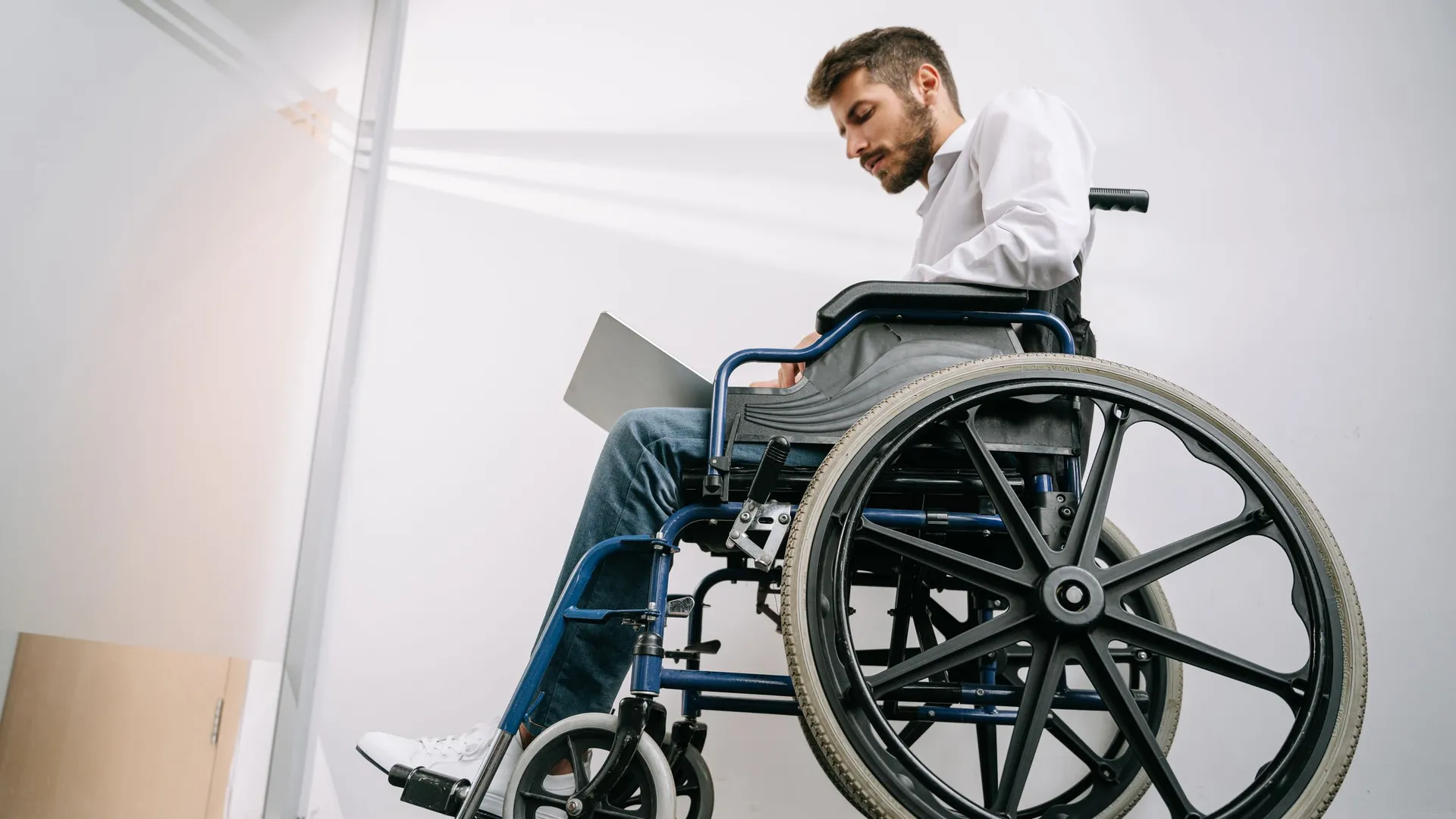
Public websites and service owners responsible for inclusive access. Hypothetical example: A resident with low vision locates a service, completes a form and understands results with keyboard and screen reader.
Assess technical and human accessibility against WCAG 2.2 AA.. Implementation sequence: Assess → Remediate → Retest → Maintain
Accessibility gap report; Fix backlog; Manual retest evidence
A resident with low vision locates a service, completes a form and understands results with keyboard and screen reader.

WCAG gap analysis, keyboard navigation, assistive technology and user testing
Service users, known barriers and remediation priorities
Assess: Select important user tasks · Remediate: Improve structure and interaction · Retest: Use assistive technology · Maintain: Create feedback and publishing gates
Help more residents use public digital services independently
Check semantics, headings, contrast and keyboard routes.
Improve labels, hints, errors and input support.
Test screen readers, zoom and mobile use.
Define publishing checks, feedback and remediation ownership.
A proposed architecture for this use case, not a claim that the system is already deployed in your organization. Final components, hosting, access and technology choices require discovery.
Public tasks and access barriers
Semantic design and accessible inputs
Keyboard, screen reader and forms
Remediation and human retesting
WCAG gap analysis, keyboard navigation, assistive technology and user testing
Assess technical and human accessibility against WCAG 2.2 AA.
Service users, known barriers and remediation priorities
Required software, external systems, specialist qualifications and deployment resources depend on the agreed scope.
Accessibility audit, remediation and user testing.

Exact deliverables, document formats, responsibility and support are confirmed in the written project scope.
Use agreed scenarios, record findings and retests, and obtain approval from accountable owners.
Public technical references (not certifications or partnerships): WCAG 2.2
To begin, describe your goals, existing systems, approximate users and required human approvals. Do not send credentials or sensitive information through public forms.
Prepare a project briefNo; combine human assessment and applicable standards.
Improve readability and operation while preserving the brand.
Include representative tasks for keyboard, screen-reader and other assistive-technology users with consent.
For Accessible public services, begin with a real use case, existing systems and accountable owners. Bring architecture, outputs and acceptance into one agreed scope.
This preview creates a local-only brief; it does not send information to KINGAI. Formal scope and responsibilities require separate agreement.