Sign up Apply for a pilot →
PartnersAboutContactSupport One platform for individuals, businesses and governments
Home / Products / KINGAI OS
Free developer preview

A Linux product family spanning Desktop, Server, Edge and AI Workstation editions.

Desktop and Server v0.1.0-dev (amd64) are downloadable as developer previews — test in a VM before primary use. Edge and AI Workstation are roadmap editions with no released installers yet. Never bundled with agents or models; KINGAI AI features connect through a client later.

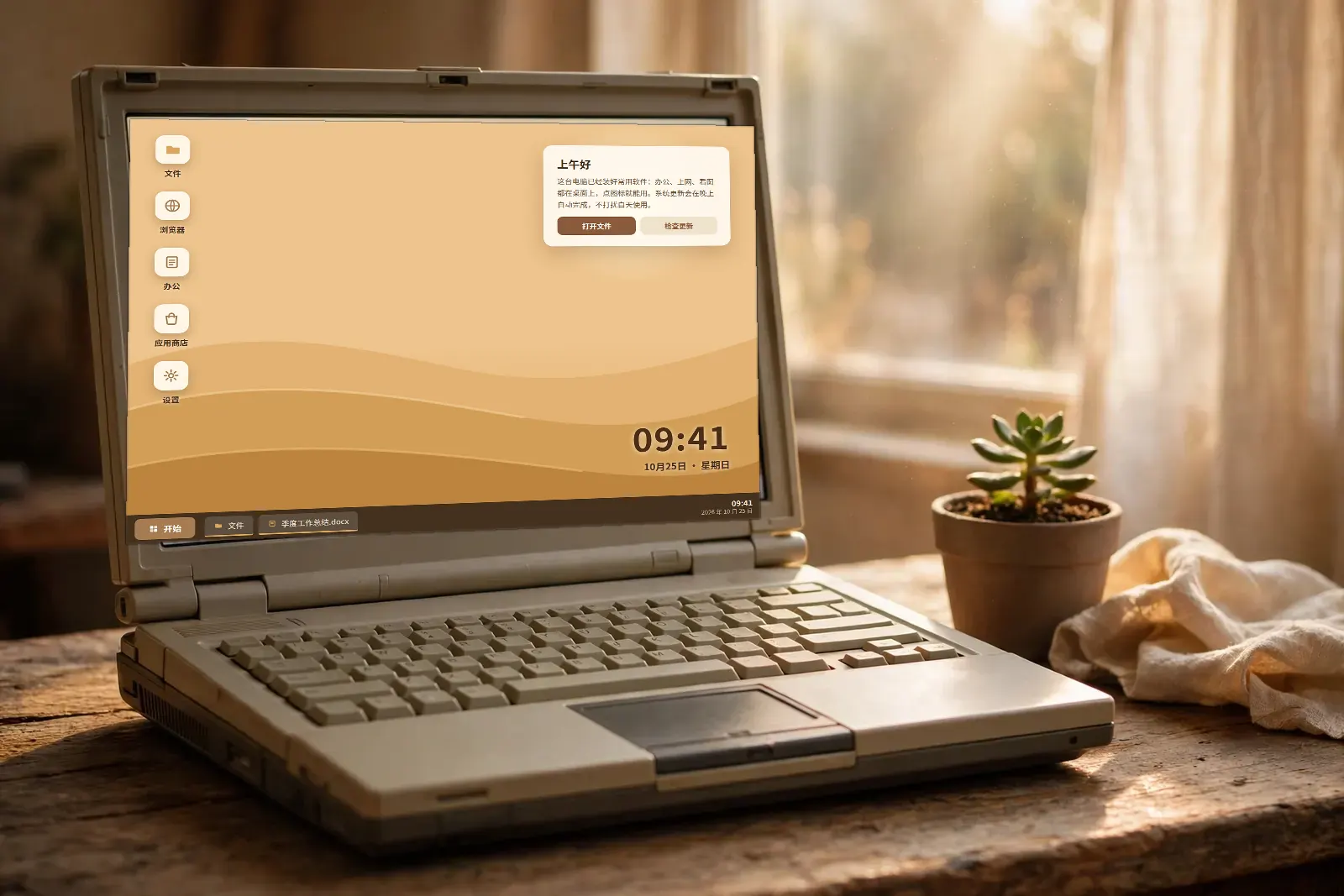
A vintage laptop by a window, switched on, neat app icons and a taskbar on its desktop, a small succulent beside it
FOUR EDITIONS · LINUX PRODUCT FAMILY

Desktop, Server, Edge and AI Workstation

Only Desktop and Server currently have official v0.1.0-dev amd64 developer preview ISOs; these are not production-certified builds. Edge and AI Workstation remain planned. No mandatory KINGAI cloud account or bundled KINGAI models.

KINGAI OS Desktop

Published developer preview · v0.1.0-dev · AMD64

KDE Plasma desktop with office and development tools. This public image is a developer preview; disk installation and old-PC compatibility are not certified.

SHA-256 for this published image

3a53c03566a1d72595a5340bdeb3eeec815342ee032fac8e2d4a4a1f9cf1643d

KINGAI OS Server

Published developer preview · v0.1.0-dev · AMD64

Headless server foundation advertised with SSH, Podman and cloud-init. Do not replace production hosts with this preview.

SHA-256 for this published image

433bb0dd2b07f8c7579296626d706c662d42938b7b8366983799d50670abb85d

KINGAI OS Edge

Real AMD64 test build · no public ISO

For gateways and offline-first nodes. An experimental AMD64 image was built and QEMU BIOS/UEFI live-booted; no published installer, ARM64 or physical device certification.

No published installation image. New builds still require independent installer, upgrade, recovery, and hardware acceptance. No fake download links.

KINGAI OS AI Workstation

Real AMD64 test build · no public ISO

For user-selected model and GPU tooling. Test ISO compiled, but no published download or approved GPU/physical hardware support.

No published installation image. New builds still require independent installer, upgrade, recovery, and hardware acceptance. No fake download links.

Download, verify, and test installation

  1. Download the Desktop or Server ISO and its matching .sha256 sidecar.
  2. Run sha256sum -c filename.iso.sha256 in the same directory; compare with Get-FileHash on Windows or shasum -a 256 on macOS.
  3. Create an empty AMD64 VM using QEMU, VirtualBox or VMware (suggested test resources: 4 vCPU, 8 GiB RAM, 64 GiB virtual disk).
  4. Attempt installation only onto a disposable empty virtual disk. Check boot, network, disk and login; stop if anything fails. Never overwrite a production disk.

Validation boundary: a new separate Server experimental ISO passed BIOS and UEFI live-boot in QEMU. This is NOT an installed-disk certification for the published v0.1.0-dev images. Neither downloadable preview is approved for critical production use.

Install, recovery & checksum guide → · Report an installation issue →

Architecture, compatibility and release engineering →

Who it fits, and what gets in the way

Desktop Linux users and developers who want to test preview installers in a VM, and infrastructure operators evaluating a future platform.

A vintage laptop by a window, switched on, neat app icons and a taskbar on its desktop, a small succulent beside it
Figure 1 · KINGAI OS

What you get

✓  Desktop preview: KDE Plasma, amd64 installer available

✓  Server preview: OpenSSH, Podman and cloud-init, amd64 installer available

✓  Edge edition planned; no official image or validated ARM64 support

✓  AI Workstation planned; no GPU-certified installer yet

✓  No mandatory cloud account or bundled KINGAI AI models; verify SHA-256 before installation

A Linux product family spanning Desktop, Server, Edge and AI Workstation editions.

Tell us where it hurts first. Scoping and a written quote come before anything starts; looking costs nothing.
Or ask Leo, the assistant at the bottom right, first — get the questions clear before you write to us.

Talk it through →

Questions on this page

How is this product priced?

By the model stated on this page: free means free to use; subscription and one-off products are priced against your situation at enquiry, written down before anything is activated — nothing is charged first.

Who do I contact if something breaks?

Open a ticket at the support center. First response within 4 working hours. For urgent problems that block your work, mark "URGENT" in the title.

Editions, downloads and docs live in the Product Center

This page is the shelf summary for KINGAI OS. Each of the four editions has its own page in the Product Center, along with developer-preview downloads, the install guide, security notes and the changelog.

Open the KINGAI OS Product Center →

Related

Wenshu Office

Free, open-source office software: documents, spreadsheets, presentations and a PDF toolbox, running on your own computer with files staying local.

See details →

AI Staff

AI staff hired by role: support, sales assistance and operations, taking the repetitive work off your team.

See details →

Security Checkup

A website security report in plain language, findings ranked by severity so the urgent ones get fixed first.

See details →

A Linux product family spanning Desktop, Server, Edge and AI Workstation editions.

Tell us where it hurts first. Scoping and a written quote come before anything starts; looking costs nothing.
Or ask Leo, the assistant at the bottom right, first — get the questions clear before you write to us.

Talk it through →